QR Kiosk
For iPad
Scan a code, show a page.
Turn any iPad into a dedicated QR kiosk. Scan a code, display the website full screen, and keep guests locked to exactly what you intend.
Screenshots
QR Kiosk turns an iPad into a single-purpose display stand: scan a QR code and the website it points to fills the screen, with no browser chrome, address bar, or navigation buttons for a guest to tap their way out of.
It's built for the iPad you leave bolted to a podium, a check-in desk, a trade show booth, or a storefront window — anywhere you want a visitor to land on one page and stay there.
How it works
- Point the iPad's camera at any QR code containing an http:// or https:// address.
- QR Kiosk opens that address full screen, instantly.
- The page stays on screen until an administrator chooses to show a new code.
Administrator settings, hidden from guests
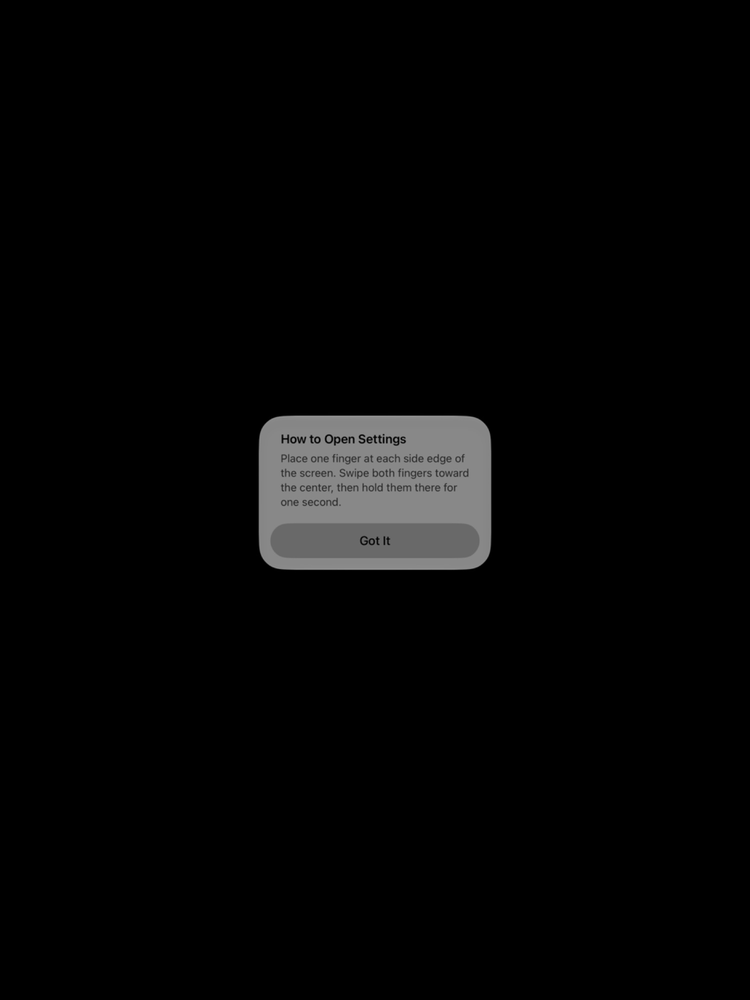
QR Kiosk has no visible settings button. To reach the Settings screen, place one finger at each side edge of the screen, swipe both fingers toward the center, and hold them there for one second. This gesture is deliberately unusual so that guests browsing the displayed website won't trigger it by accident.
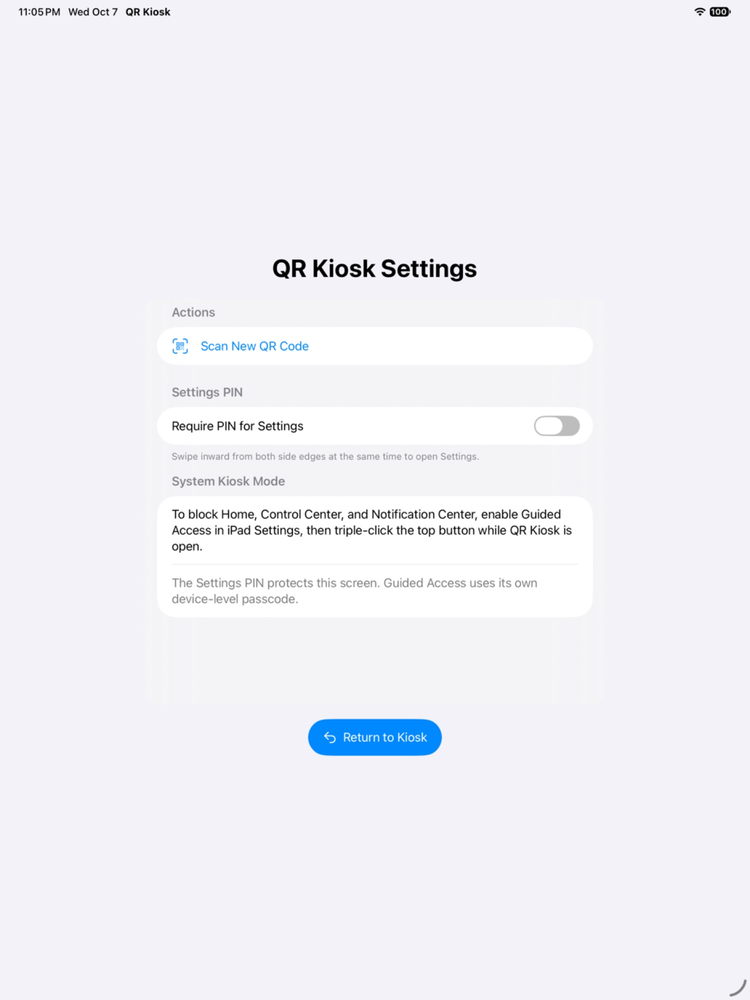
From Settings, an administrator can:
- Tap "Scan New QR Code" to return to the scanner and show a different website.
- Turn on an optional 4–8 digit PIN so only authorized staff can reach Settings.
- Tap "Return to Kiosk" to go back to the currently displayed website without losing its place — if a PIN is set, it's required again next time.
For full lockdown, pair QR Kiosk with iPadOS Guided Access (triple-click the top button) or your organization's mobile device management profile to prevent guests from leaving the app entirely.
Privacy by design
QR Kiosk doesn't require an account, doesn't show ads, and doesn't include analytics or tracking. The embedded browser uses a temporary, non-persistent session: cookies and cached data from a displayed website are discarded automatically as soon as an administrator scans a new code, so one visitor's session never carries over to the next.
QR Kiosk is designed for iPad and intended for use on devices an organization controls and configures.
Read the full Privacy Policy.
Support
Need help? Visit the support page or email support@tekyeti.dev.